
YOUR FIRST STEPS
Make room for a guide.
A destination, a highlight, and a little more confidence. Here is how to get started.
- 1Explore installation
- 2Take a practice run
A place beside the website.
The extension opens in your browser’s sidebar. A movable widget is available when you would rather keep the guide closer to the page.
No Tholi account required. Your browser confirms installation; this practice cannot check whether Tholi is installed.
See installation steps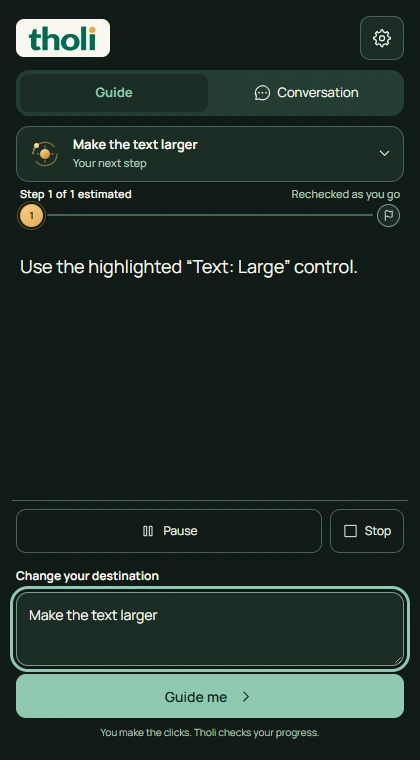
You approve your browser’s website access when required. Tholi does not enter passwords or perform website actions for you.
Optional, account-free practice · 1 of 2